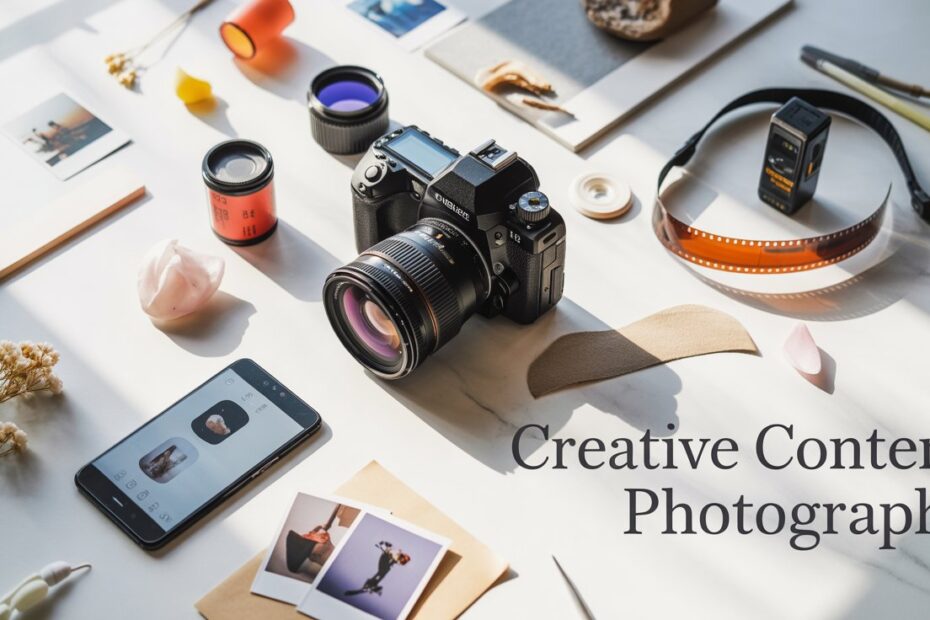
Creative content photography has become one of the fastest-growing fields in the digital world. Whether you’re building an online store, managing social media pages, or starting your photography journey, mastering creative content photography is a game-changer.
This guide will walk you through everything from basic concepts to practical techniques to help you shoot stunning content that grabs attention and builds engagement.
1. What Is Creative Content Photography?
Creative content photography refers to capturing photos that tell a story, promote a product, or support creative visuals for social media, ads, websites, and branding. This includes:
- Product photography
- Lifestyle shots
- Flat lay images
- Model/portrait content
- Social media aesthetic shots
- Concept-based creative images
The purpose is not only to capture an image but to create engaging, clean, and visually appealing content that supports marketing goals or personal branding.
2. Why Creative Content Photography Matters
We are living in the age of visuals. People remember 80% of what they see, compared to only 20% of what they read. Creative content photography helps:
✔ Boost social media engagement
High-quality photos get more likes, shares, and saves, especially on Instagram, Facebook, and Pinterest.
✔ Increase sales
Clean and attractive photos make customers trust a brand and feel confident buying a product.
✔ Build a strong personal or business brand
Your visual style becomes your identity.
✔ Stand out from competition
With millions of posts uploaded daily, creativity is your biggest advantage.
3. Essential Equipment for Beginners
You don’t need the most expensive gear. Start simple but smart.
✔ Camera (DSLR or Mirrorless)
Good beginner options:
- Canon EOS RP
- Sony a6400
- Nikon Z50
✔ Smartphone (if you don’t have a camera)
Modern phones like iPhone 13+ and Samsung S21+ deliver excellent quality.
✔ Lenses
- 50mm f/1.8 (best for portraits & product shots)
- 24–70mm (versatile starter lens)
✔ Tripod
For stable shots, flat lays, and product photography.
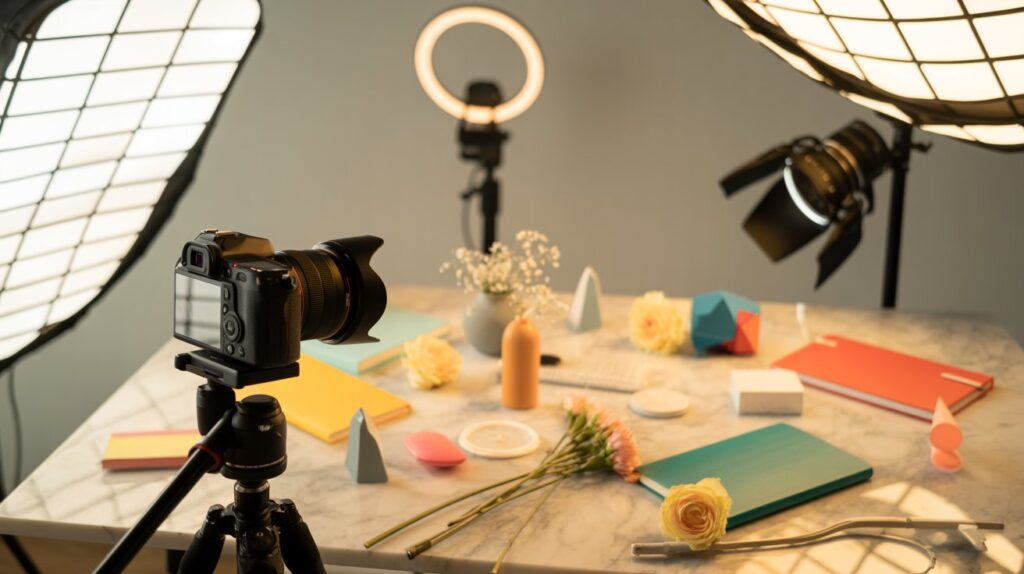
✔ Lighting Setup
- Softbox
- Ring light
- LED panels
Even a window with natural light works great.
✔ Backgrounds
- PVC sheets
- Fabric
- Wooden boards
- Minimal plain colors
✔ Accessories
- Reflectors
- Diffusers
- Props for styling
4. Camera Settings You Must Learn
Understanding the basics helps you shoot better photos consistently.
✔ Aperture (f-stop)
Controls background blur (Bokeh).
- Lower f-stop (f/1.8–f/2.8) → More blur
- Higher f-stop (f/8–f/16) → Sharp background
✔ Shutter Speed
Controls motion.
- 1/250+ for moving subjects
- 1/60–1/125 for stable shots
✔ ISO
Controls brightness.
- Lower ISO (100–400) = Clean image
- Higher ISO = More noise
✔ White Balance
Ensure your colors look natural.
✔ RAW vs JPEG
Shoot RAW for flexibility in editing.
5. Lighting Techniques for Creative Content
Lighting can make or break your image.
✔ Natural Light
- Soft daylight near windows
- Avoid harsh midday sunlight
- Use curtains as diffusers
✔ Artificial Light
- Softboxes produce smooth, professional lighting
- Ring lights are great for portraits
- Two-point or three-point setups make product shots stand out
Tips
- Use reflectors to fill shadows
- Try backlighting for a dramatic look
- Bounce light off white walls for soft results
6. Composition Rules for Scroll-Stopping Photos
Composition guides the viewer’s eyes.
✔ Rule of Thirds
Place subject off-center for a natural, pleasing look.
✔ Leading Lines
Use objects, shadows, or surroundings to guide the viewer toward the subject.
✔ Symmetry & Balance
Great for minimal and clean photos.
✔ Depth
Add items in foreground + background for 3D-like depth.
✔ Framing
Use objects (hands, props, windows) to frame the subject.
✔ Negative Space
Minimal background that makes the subject stand out.
7. Styling & Background Tips
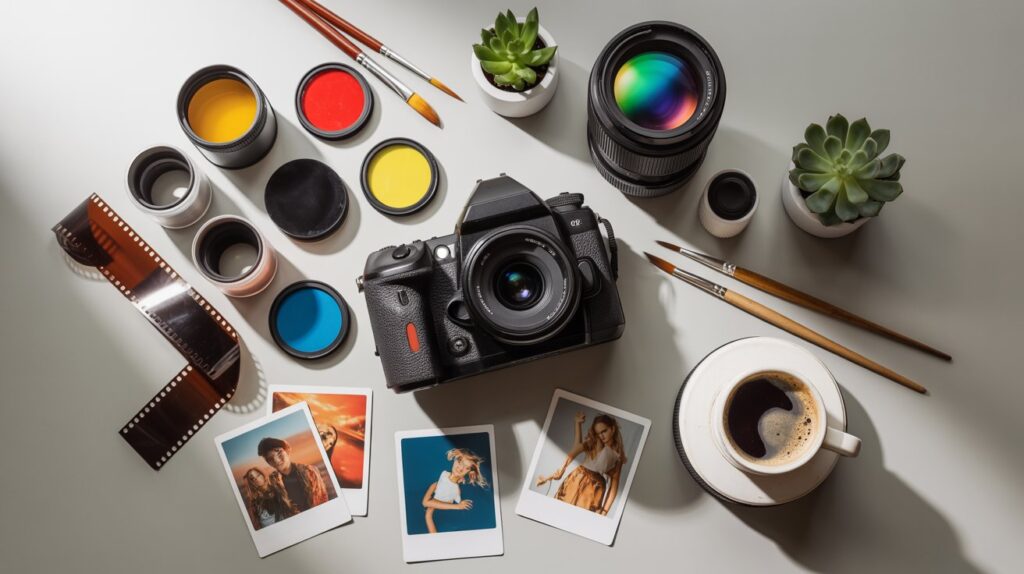
Your styling affects your entire visual vibe.
✔ Choose a color theme
Warm, cool, or pastel tones.
✔ Use props smartly
- Plants
- Books
- Coffee mugs
- Fabric
- Product-related items
Avoid over-cluttering.
✔ Use clean backgrounds
Plain color sheets or textured boards work great.
✔ Create a visual story
Make photos feel real and purposeful.
Read Also: Behind the Scenes Photography Secrets
8. Creative Photography Ideas for Beginners
Here are easy but powerful ideas:
1. Flat Lays
Arrange items on a clean background and shoot from above.
2. Product Lifestyle Shots
Show products being used naturally.
3. Shadow Play
Use sunlight and objects to create creative shadows.
4. Macro Shots
Close-up details of textures, jewelry, or product features.
5. Minimalist Photography
Simple, clean, spacious images.
6. Backlit Portraits
Light behind the subject creates dreamy glow.
7. Motion Photography
Ask your model to walk, jump, or turn.
8. Creative Bokeh Lights
Use fairy lights for magical blur.
9. Reflection Photography
Use mirrors, water surfaces, or shiny objects.
10. Storytelling Portraits
Capture natural actions like reading, sipping coffee, adjusting clothing.
9. Editing Tips to Level Up Your Photos
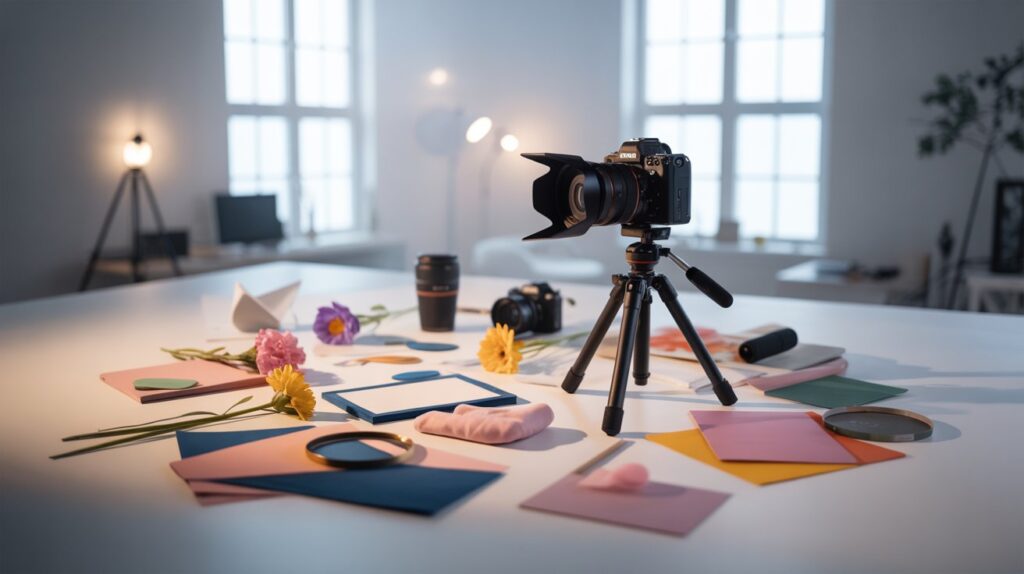
Editing is where the magic completes.
✔ Use the Right Apps/Software
- Adobe Lightroom
- Photoshop
- Snapseed
- VSCO
✔ Basic Adjustments
- Exposure
- Contrast
- Highlights & shadows
- White balance
✔ Color Grading
Choose a consistent color style.
✔ Sharpening & Noise Reduction
Keep images crisp but not over-sharpened.
✔ Remove distractions
Use healing tools to clean backgrounds.
✔ Create presets
Helps maintain consistency across your brand.
10. Social Media Optimization
Your photo is only half the game—posting is the next level.
✔ Use high resolution
1080×1350 (Instagram vertical format) works best.
✔ Post at the right time
Analyze your audience’s active hours.
✔ Use 15–25 hashtags
Mix niche, brand, and trending hashtags.
✔ Write engaging captions
Ask questions, add call-to-action, and use emojis.
✔ Keep a consistent style
It strengthens your brand identity.
11. Common Mistakes to Avoid
- Overediting your images
- Using too many props
- Shooting in cluttered spaces
- Ignoring lighting
- Using incorrect white balance
- Posting low-resolution photos
- No story or purpose behind the shot
FAQs
1. What is the best camera for creative content photography?
Beginners can start with Sony a6400, Canon M50, or even a good smartphone like iPhone 13+.
2. Can I start content photography with a phone?
Yes! Smartphone cameras today are powerful and perfect for beginners.
3. What editing apps are beginner-friendly?
Lightroom Mobile, Snapseed, and VSCO are easy to use.
4. What background is best for product photography?
Plain white, light grey, or pastel textured backgrounds.
5. How do I take creative photos at home?
Use window light, simple props, clean backgrounds, and try flat lays or lifestyle shots.
6. How important is composition?
Composition decides the quality of your photo. Good composition = professional look.
7. Why are my photos not sharp?
Use faster shutter speed, stabilize your camera, and ensure proper focus.
Conclusion
Creative content photography is one of the most powerful skills you can learn today—whether for business, social media, or personal growth. With the right gear, basic knowledge, and a creative mindset, you can produce stunning images even as a beginner. Remember, creativity doesn’t come from expensive equipment—it comes from practice, observation, and storytelling. Start experimenting, explore your visual style, and keep improving with every shot.
If you stay consistent, the world of photography will open doors you never imagined. Happy shooting!